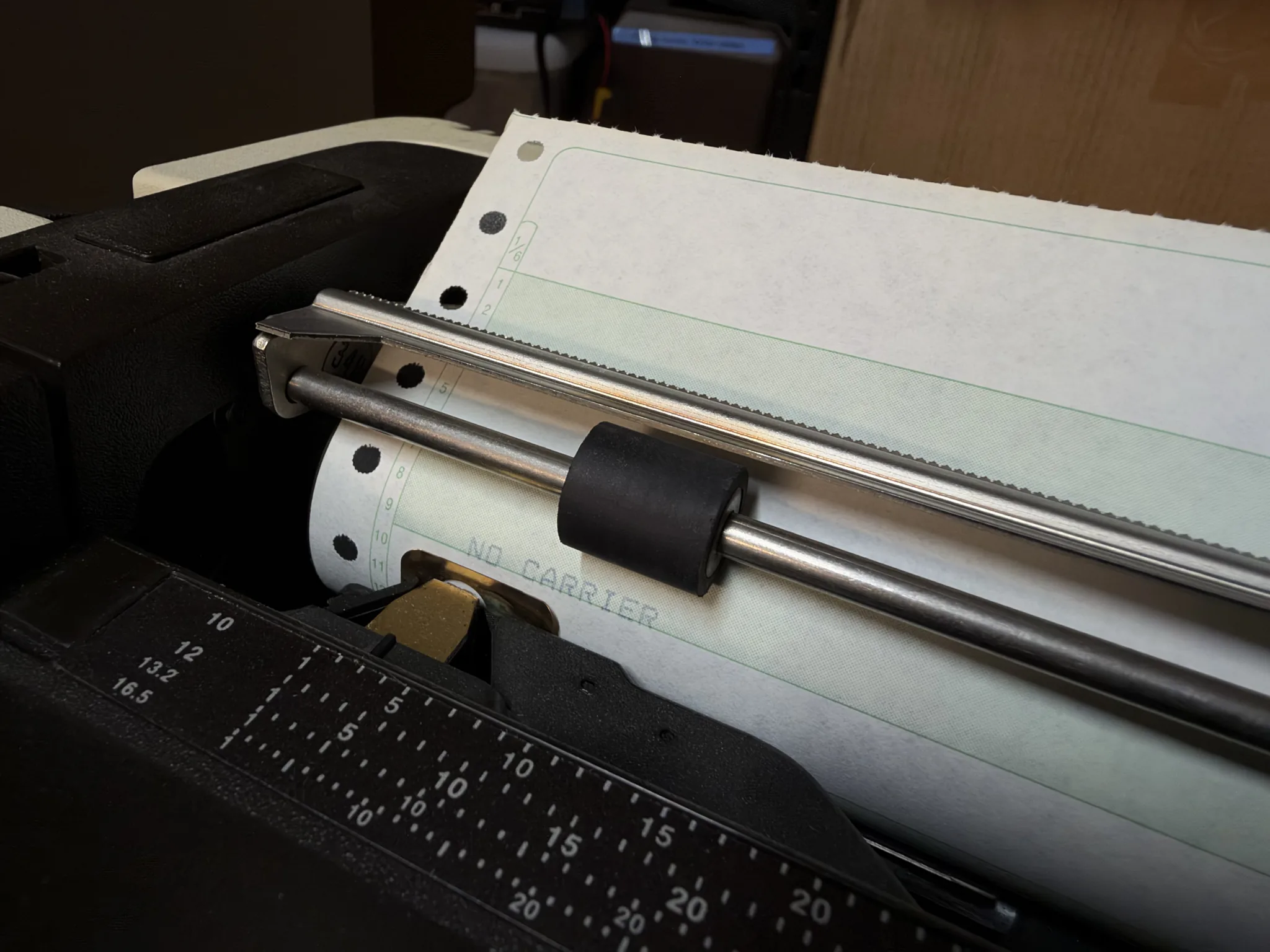
For the past several years we’ve been talking to our agents via various means: through a browser, an IDE, the command line, even at times smart glasses people started wearing on their faces (for whatever reason). Oh and I must note that I am a huge fan of these agents bringing back the beauty of command line and TUIs, these are obviously the superior user interfaces. Right? Well, what other means could we use to chat to our agents? What are some impractical ways we could send and receive messages from an LLM? Pager? Fax? … Teletype?!
Wait! I have a Teletype at home! Let’s give this a shot! How hard could it be!
First, a lesson in user interfaces. If you even open up iterm, xterm, or even ghostty you will get to learn that these things are called Terminal Emulators. They emulate terminals, meaning they are the future/virtual version of these physical devices. So what are terminals? Namely dumb terminals were devices that we would connect to mainframe/mini computers for us to interact with them over some sort of (mostly serial) connection. In essence they are CRT Tubes hooked up to some sort of keyboard and a serial interface. They would receive data over (at least) 3 wires and somehow enable us to do magical things on these ancient computers.
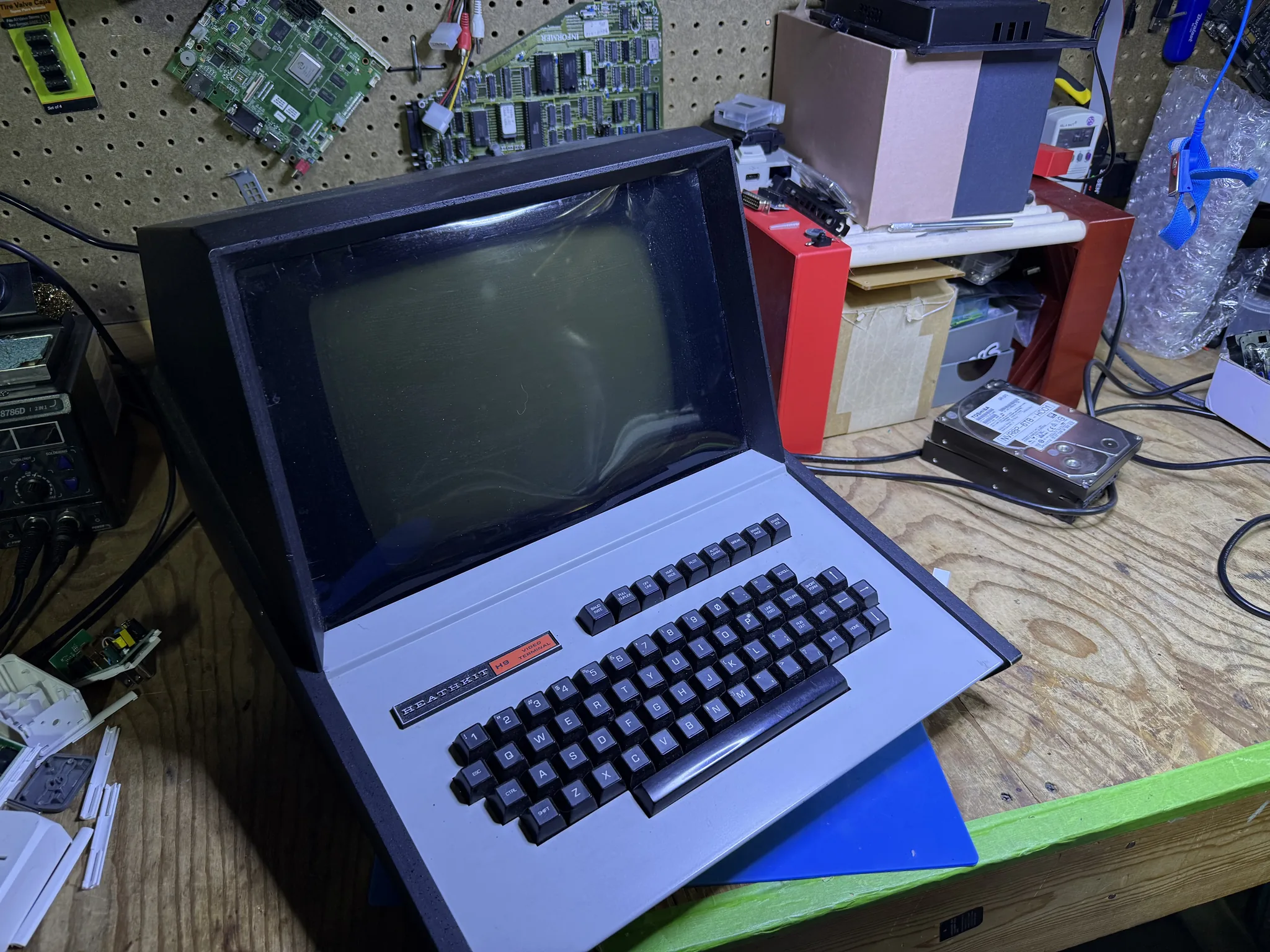
However, these terminals were also a future/virutal version of another type of device - a teletype! Now these are old. Like late 19th century old. Also commonly known as teleprinters these were mechanical devices that would receive electrical signals (seem familiar) and convert them to printed characters on a piece of paper. Initially they were used to send messages across vast distances, but later on we decided to use them as interfaces to machines.
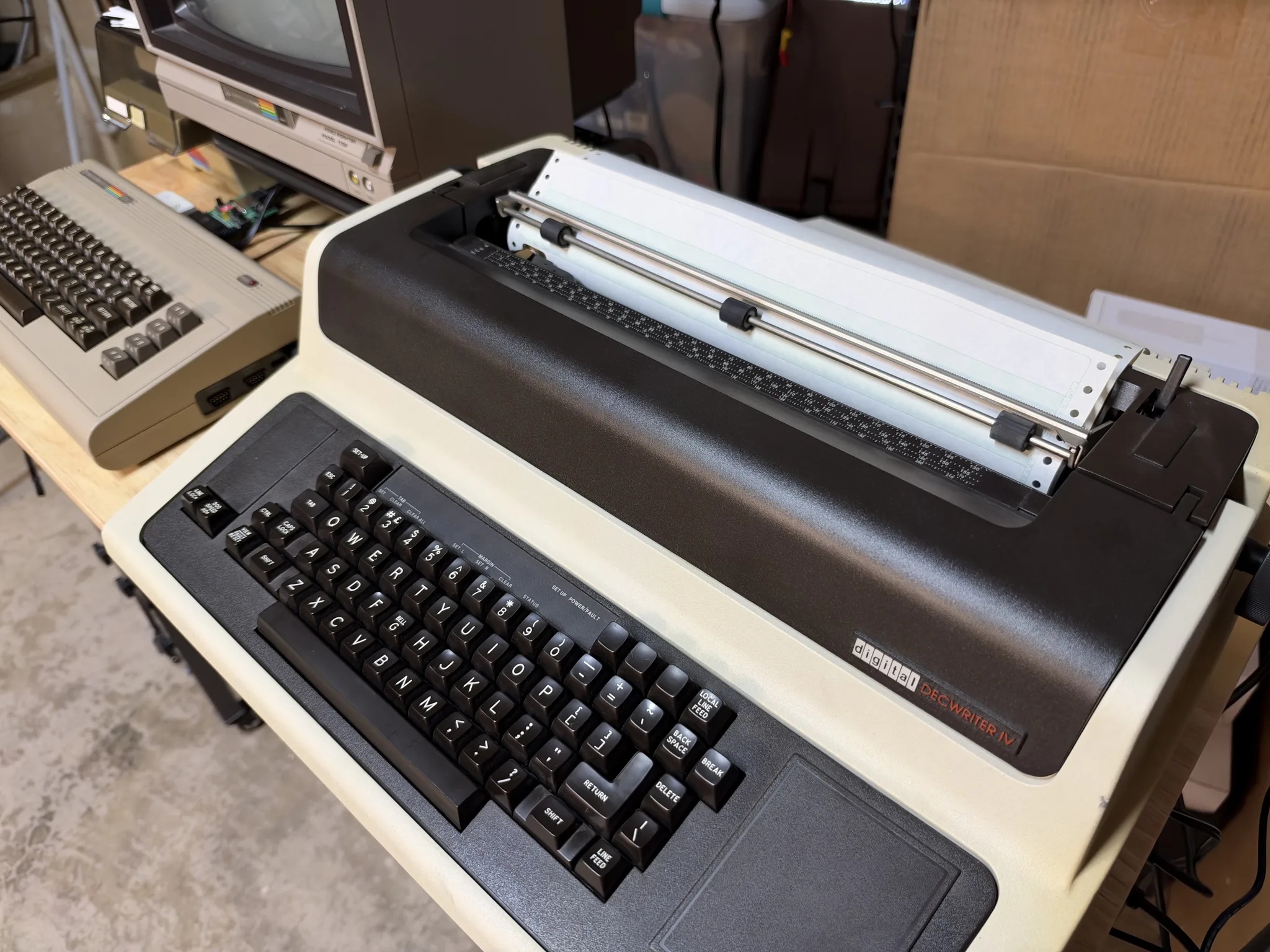
Similar to electronic terminals, they would also receive data over a serial connection and instead of displaying it on a (infinitely reusable) CRT display, they would print out the interaction on (a limited supply of) paper. Magical! ✨ They were slow, clunky, and loud. But oh-so-glorious! And I happen to have one!
Solving this problem required two things: 1/ Getting data to and from the teletype; and 2/ Formatting the Agent output to work on such an ancient device. While these may sound hard when first considering them, however thanks to standardization this is actually very easy to do. I am going to use standard Hayes modem emulation over a serial connection, and will be using the ACP (Agent Client Protocol) for working with Kiro.
Let’s start with getting data to and from the Teletype. I am using someting called a WiModem232 (an older version of this). That in essence serves as a modem over an RS-232 connection and it emulates a standard Hayes compatible modem. Folks initially used this to connect Commodore 64s to BBSes in the modern era, but since it is just a modem emulator we can connect to any number of things. In my case I used a TELNET connection from it to Kiro. Speaking of Kiro.
The second problem I needed to solve is how can I get the interface of Kiro CLI onto a Teletype.
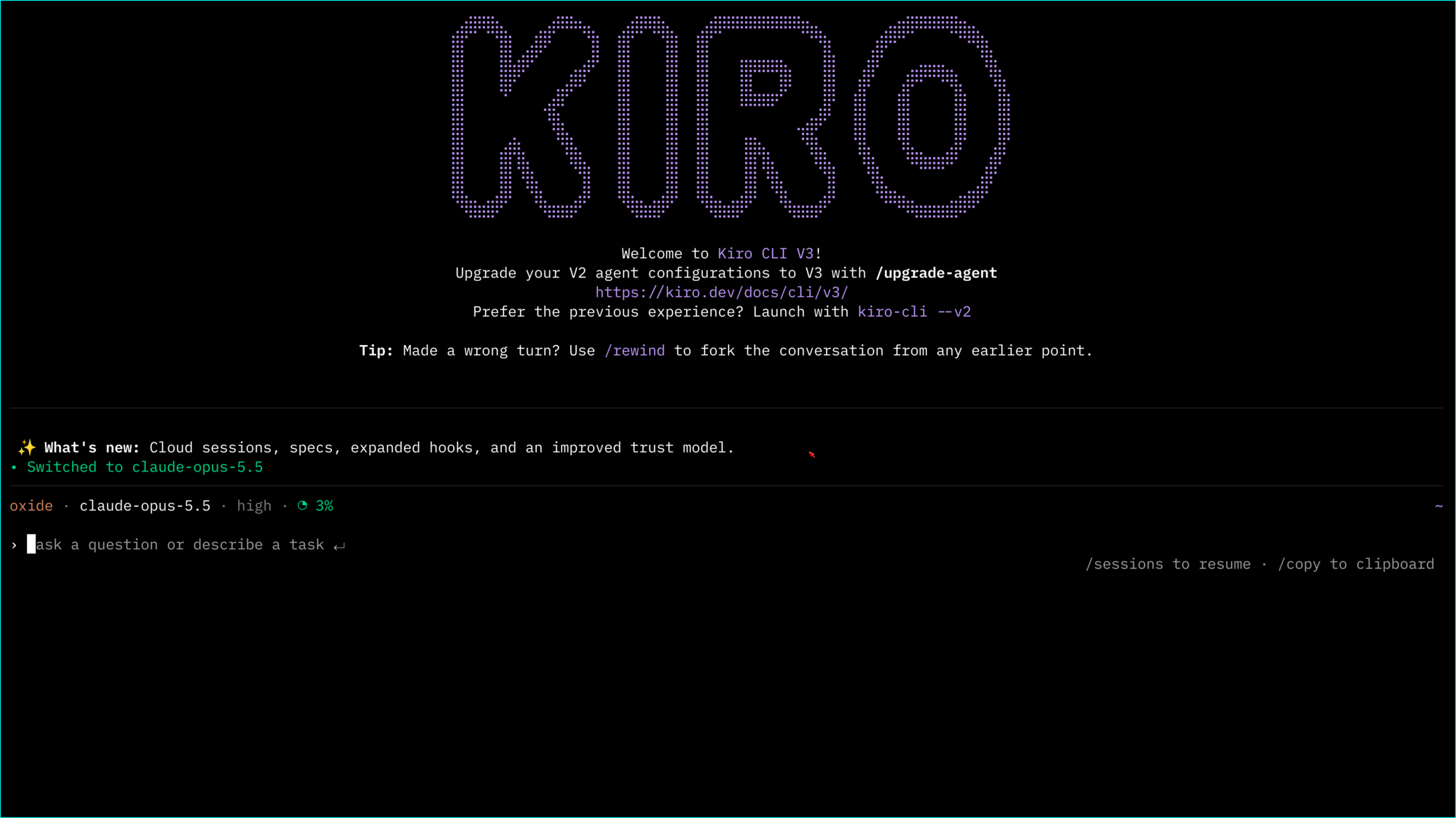
Yeah, while this seems simple by modern standards, there is no way in hell this will display well on a line printer at 30 characters per second! So how do we solve that? I can’t just take Kiro CLI and make a new one? Right? OR CAN I?! Enter ACP - Agent Client Protocol. Kiro CLI implements ACP so other code editors (JetBrains, ZED, even Obsidian) can easily plug-in Kiro into themselves and just get access to Kiro’s agentic capabilities. So this means, another 3rd party application can just talk to Kiro’s agents over this standard protocol … I think you see where I’m going.
So I built a Rust 🦀 thing! Yes, I built a small ACP client that would hook into Kiro’s ACP via JSON-RPC and stdio. This client is very bare-bones and only supports only a few commands (barely any). The application renders all the text itself making sure the terminal at the other end only ever receives 7-bit ASCII and nothing more. Now this can work.
In the simplest of terms, my dumb terminal is using a Serial to Wifi modem emulator, and is talking to a bespoke Rust application that wraps Kiro’s agent output (it gets via ACP) in something a dumb terminal can display.
Here is a (wonderfully made) diagram of how this is all meant to work (this diagram can actually run on DOS):
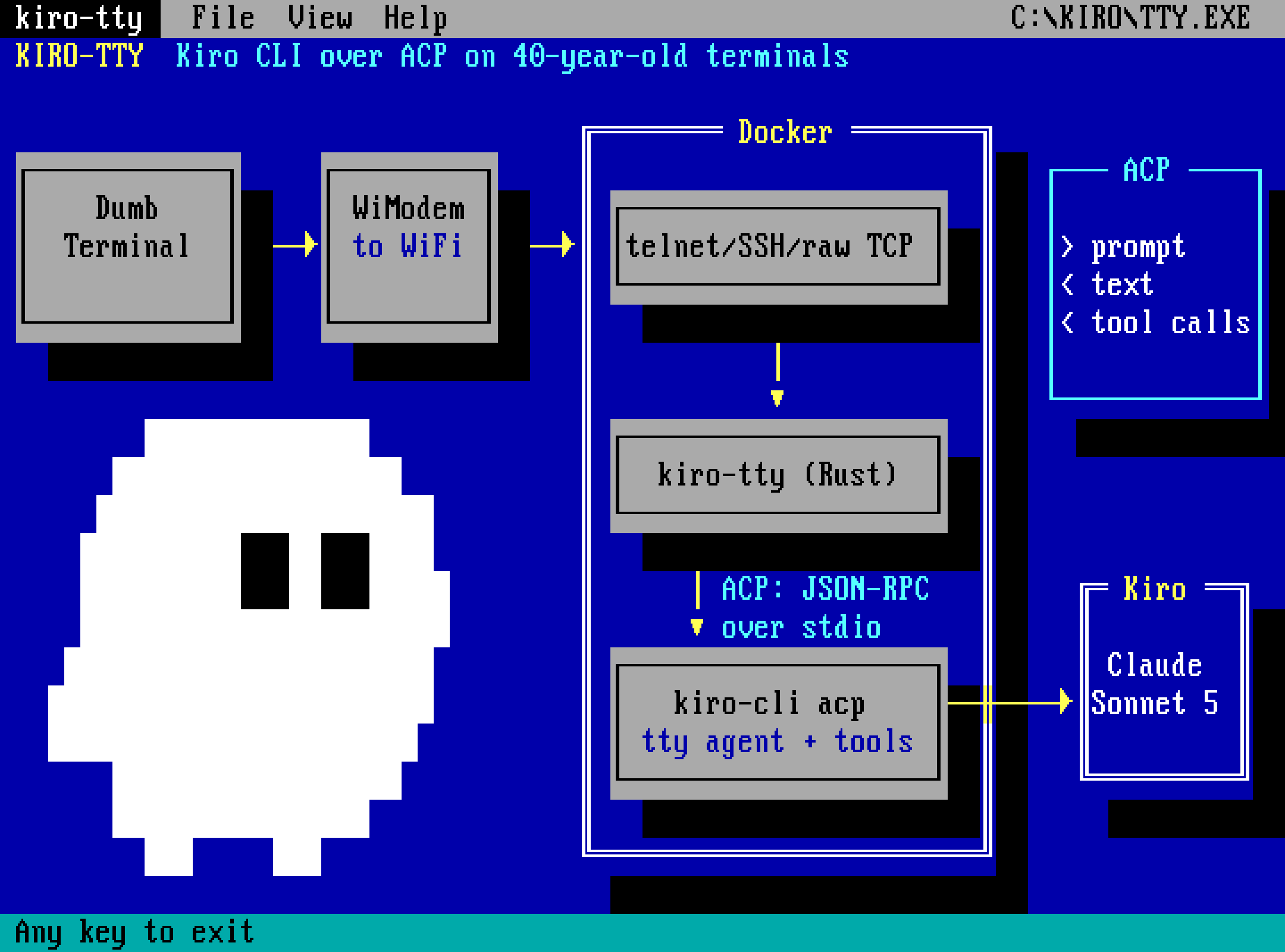
To run this thing, I set up a little docker-compose.yaml file that sets up a singe kiro-tty service from a Dockerfile. And I actually expose 4 different ports here:
| Port | Purpose |
|---|---|
| 2222 | SSH for modern clients, for testing purposes |
| 2323 | Good ol’ classic Telnet. This one I use for the Teletype |
| 6400 | Raw TCP for the Commodore 64 and NovaTerm - 40 cols |
| 6401 | Raw TCP for the IBM PC and Kermit - 80 cols |
To make this work I set up a container that installs kiro-cli and uses it using a Kiro API key (you can get that from the web). Additionally I pass in some configuration items such as the password (I prompt you for a password when connecting to the service) and the Kiro API key. Most importantly I package this little kiro-tty binary that is my Rust based ACP client that actually does all the hard work in making sure the terminal gets what it needs.
I have the full instructions over on my Github repo so go check it out if you are interested. And if you end up running it and connecting your own dumb terminal(s) do let me know! 😍
However, here is the full docker-compose.yaml file for your viewing pleasure:
# Kiro TTY container stack.
#
# Brings up a container where the login shell (over SSH or telnet) is Kiro TTY
# talking to Kiro via ACP, using the `tty` agent.
#
# Quick start:
#   KIRO_TTY_PASSWORD=something docker compose up --build -d
#   telnet localhost 2323          # or: ssh kiro@localhost -p 2222
#   (password is whatever you set; defaults to "kiro")
#
# SECURITY (read before changing ports):
#   * telnet is PLAINTEXT. The password and all I/O are unencrypted.
#   * The Kiro agent runs with --trust-all-tools, so anyone who logs in can
#     make Kiro run arbitrary commands INSIDE this container.
#   * Authentication is via KIRO_API_KEY: the container acts as that key's Kiro
#     identity and consumes its subscription credits.
#   Ports are bound to 127.0.0.1 by default. Only change that if you truly
#   intend to accept remote connections and understand the exposure.

name: kiro-tty

services:
  kiro-tty:
    build:
      context: .
      dockerfile: Dockerfile
    image: kiro-tty:latest
    container_name: kiro-tty
    hostname: kiro-tty
    ports:
      # Bind address defaults to loopback. To reach the container from a LAN
      # device (e.g. a serial-to-WiFi modem in front of a hardware terminal),
      # set KIRO_TTY_BIND to the host's LAN IP in .env
      # not 0.0.0.0, so it is not also published on VPN/bridge interfaces.
      # Note: Docker-published ports bypass ufw.
      - "${KIRO_TTY_BIND:-127.0.0.1}:2222:22"   # SSH
      - "${KIRO_TTY_BIND:-127.0.0.1}:2323:23"   # telnet
      - "${KIRO_TTY_BIND:-127.0.0.1}:6400:6400" # raw TCP, C64 profile (no telnet IAC, 40 cols)
      - "${KIRO_TTY_BIND:-127.0.0.1}:6401:6401" # raw TCP, PC profile (no telnet IAC, 80 cols)
    environment:
      # Kiro authentication (headless / API-key mode).
      # Generate a key at https://app.kiro.dev > API Keys (requires a Kiro Pro,
      # Pro+, Pro Max, or Power subscription). Then either export it in your
      # shell or put KIRO_API_KEY=ksk_... in a .env file next to this compose
      # file (compose loads .env automatically; .env is gitignored).
      KIRO_API_KEY: "${KIRO_API_KEY:-}"
      # Override with:  KIRO_TTY_PASSWORD=... docker compose up
      KIRO_TTY_PASSWORD: "${KIRO_TTY_PASSWORD:-kiro}"
      # Optional terminal shaping for the login shell (set in .env; empty =
      # kiro-tty defaults of 80 columns / lf):
      KIRO_TTY_WIDTH: "${KIRO_TTY_WIDTH:-}"
      KIRO_TTY_NEWLINE: "${KIRO_TTY_NEWLINE:-}"
    volumes:
      # Kiro CLI is installed INSIDE the image (see Dockerfile) and authenticates
      # via the KIRO_API_KEY above, so nothing host-specific is required. This
      # named volume just persists the self-provisioned bun/kas runtime (~100MB)
      # across restarts so it is not re-downloaded each time.
      - "kiro-data:/home/kiro/.local/share/kiro-cli"
      # Pre-login banner, mounted so you can edit docker/issue and see the change
      # on the next connection. It is also baked into the image as a default,
      # so the container still works without this mount.
      - "./docker/issue:/etc/issue:ro"
      - "./docker/issue:/etc/issue.net:ro"
      # C64 port banner (plain text Kiro ghost). Same idea: edit, reconnect.
      - "./docker/c64-banner.txt:/etc/kiro-tty/c64-banner.txt:ro"
      # 80-column banner for the PC port (6401).
      - "./docker/pc-banner.txt:/etc/kiro-tty/pc-banner.txt:ro"
    # Keep it modest; this is a demo service, not production.
    restart: unless-stopped

# Persists the self-provisioned bun/kas runtime across restarts.
volumes:
kiro-data:This keeps coming up. Yeah I get it. This absolutely serves no purpose. No one in their right mind would access a coding assistant/agent using a serial connection on a 45 year old device. However, while not practically useful, it did teach me a few things. It taught me how the ACP protocol works and that not all server/clients support all actions (so much for standards). It did teach me how to debug (pun intended) serial connectivity on an IBM PC running DOS (stay tuned for that post). And in general it helps me stretch what I can do in the current age of AI coding, and keeps my curiosity alive.
Finally, here it is in action on that DecwriterIV:
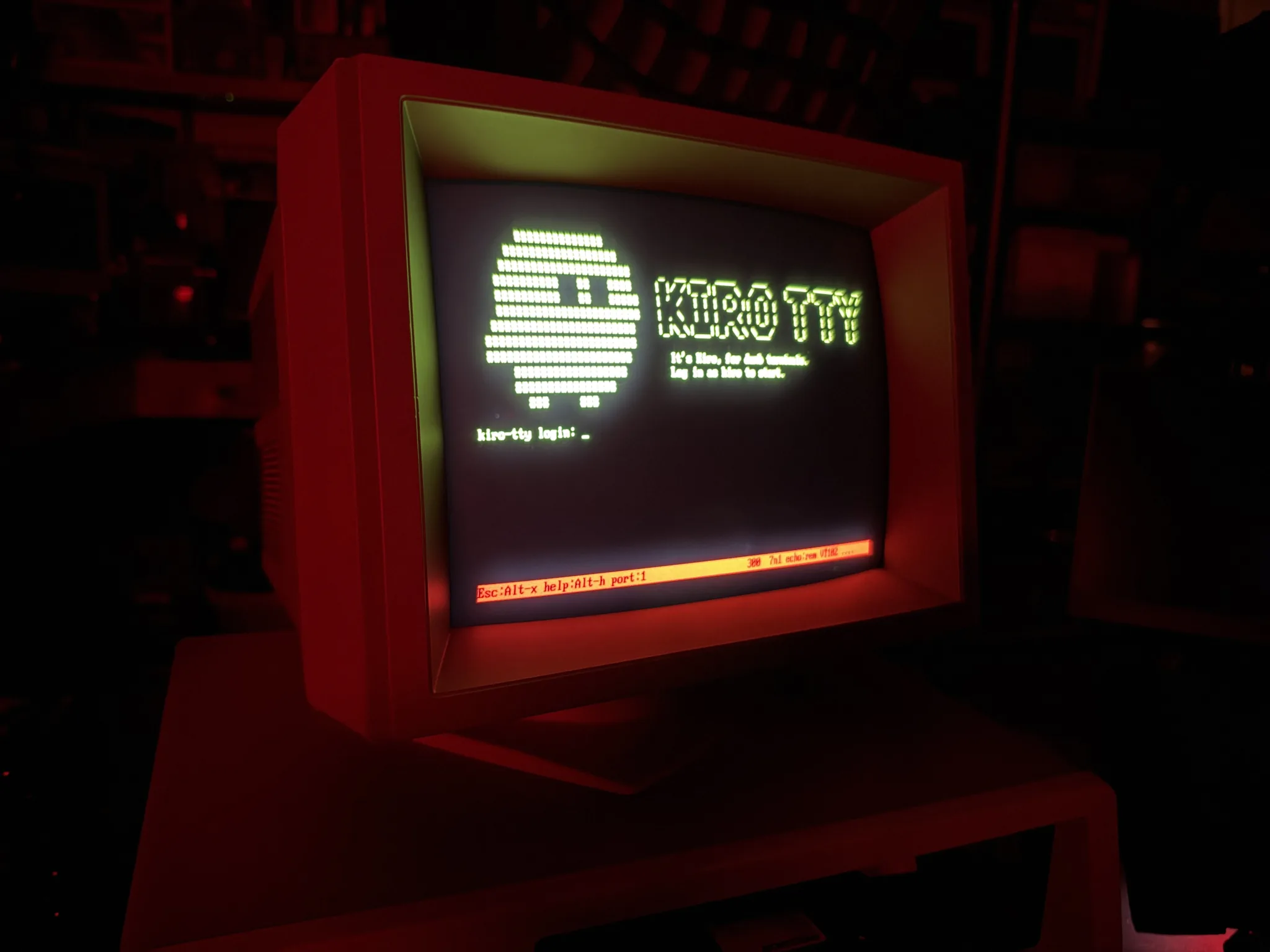
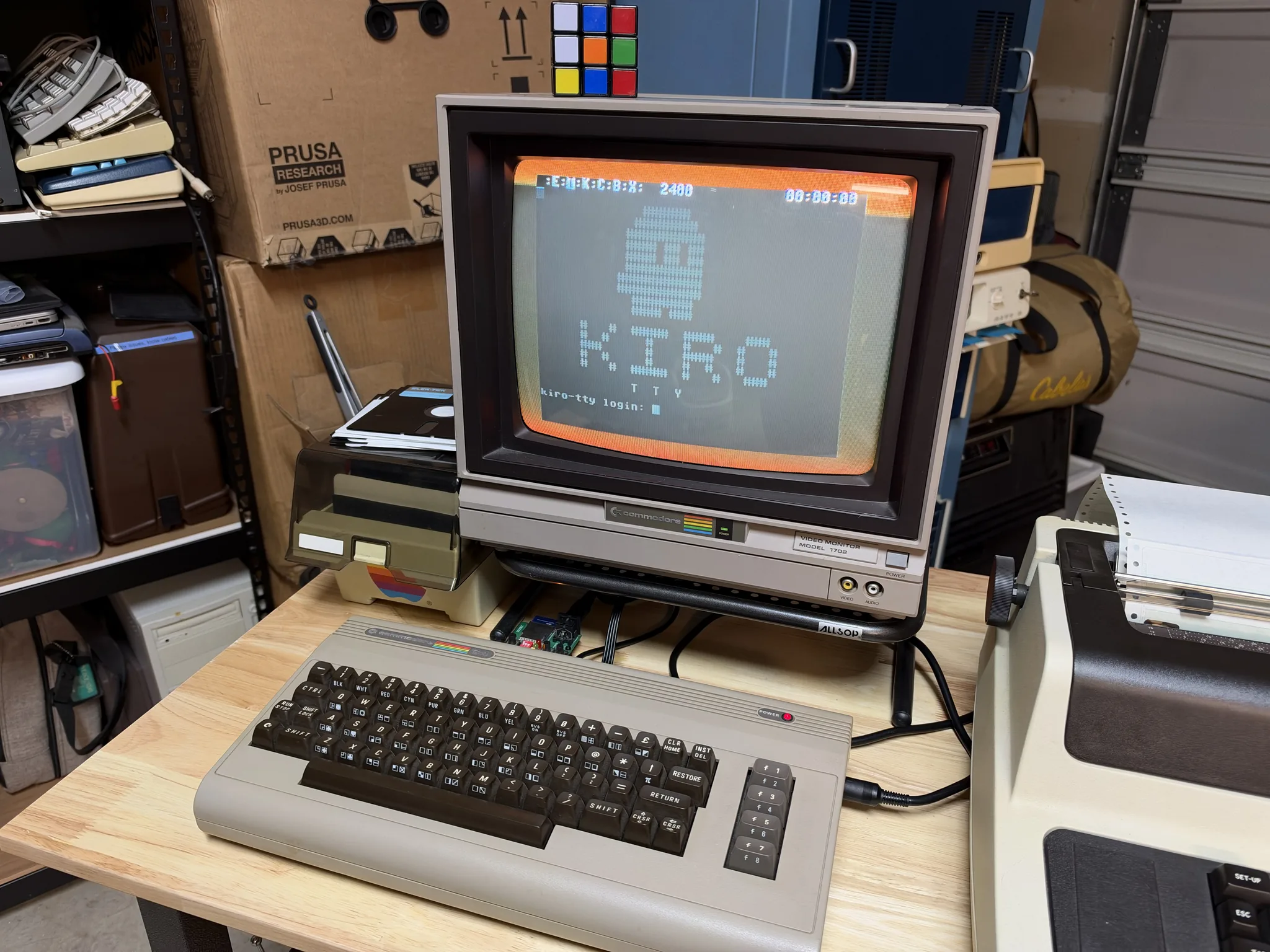
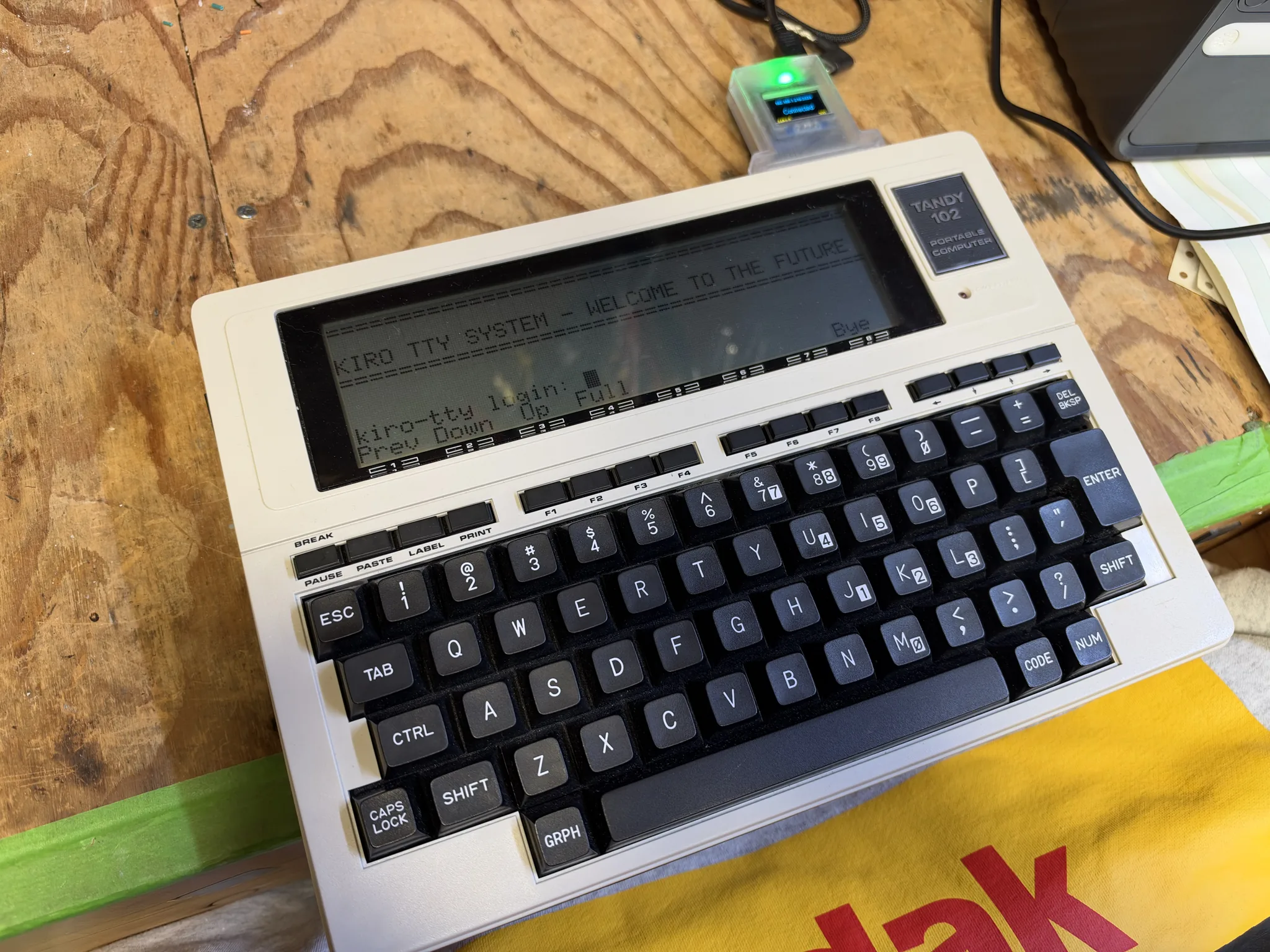
Here it is running on few more systems:
IBM PC + Kermit:
Commodore 64 + NovaTerm:
TRS-80 Model 100:
So, yeah, go be curious. Build that super silly thing you’ve always wanted, explore, break things (please don’t break old computers) and try to learn as you go.
Next up - I am going to get Strands Harness running in a similar fashion, as I want to be unbound from having to run Kiro for these kinds of experiments. And Strands allows me to invoke models wherever I want.